
Before accessing to your reward plans' stats, please keep in mind that it is necessary to have customers assigned under your account in order to see data.
Log in to your account and:
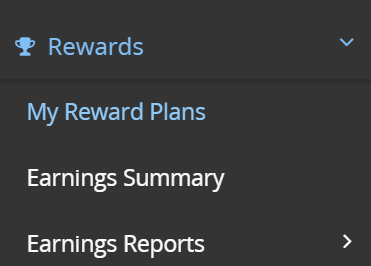
- Go to your NR affiliate Dashboard> Rewards> My Reward Plans
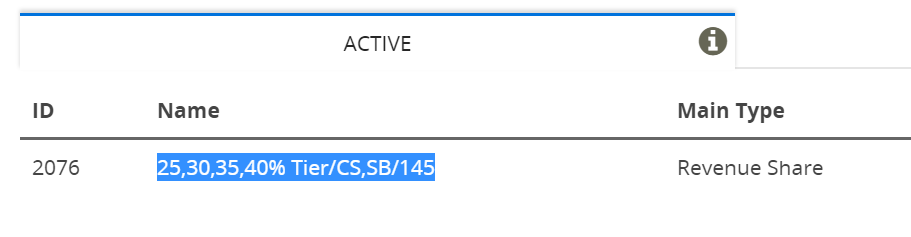
- You will see a list of reward plans assigned to you. To review reward plans' details, click on the Reward plan' name:
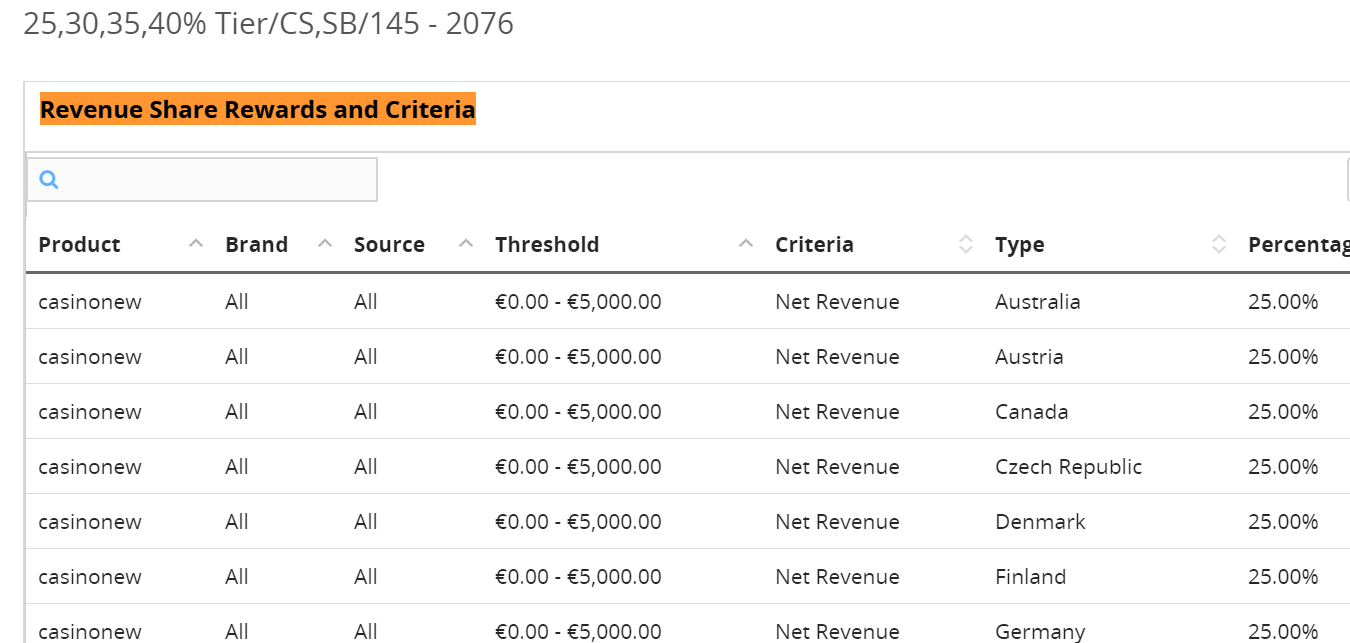
To make changes on your reward plans or if you would like to get a new deal, please contact your Affiliate Manager.
Comments