
All available banners and landing pages (LPs) can be found in NetRefer's Media Gallery. Login into your account and then:
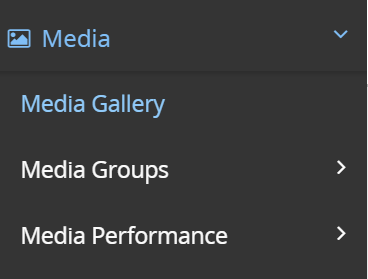
1. Go to your Netrefer panel and click>Media>Media Gallery:
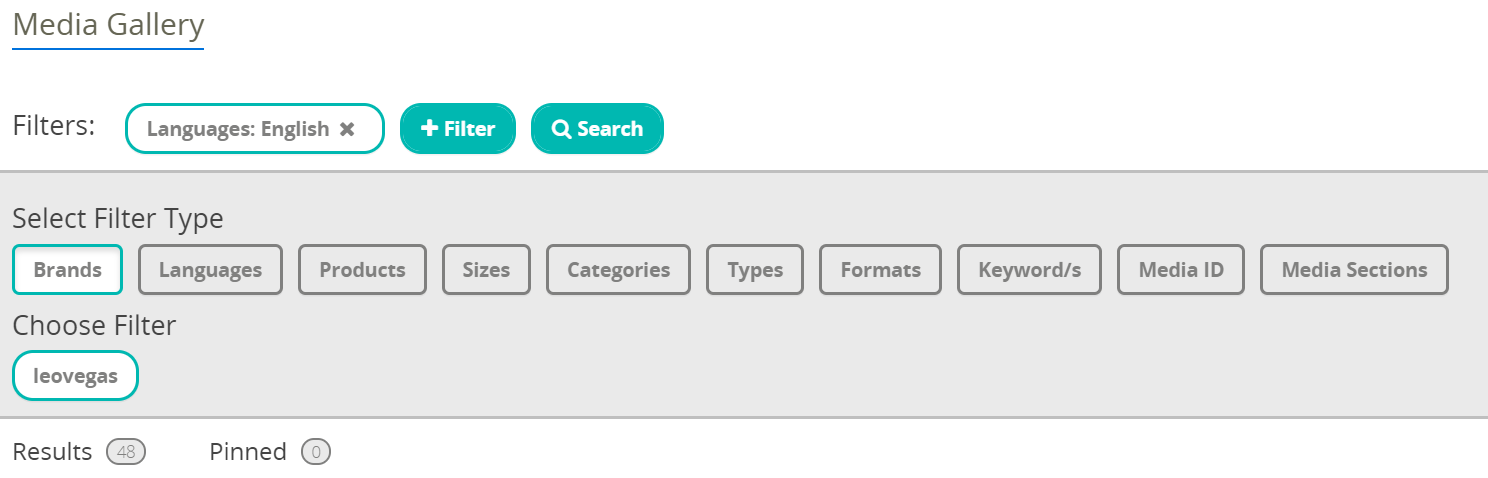
2. Select 'Filter type' to customize your search and find the needed Landing page (LP) or banner:
3. Choose a Media/LP. After, download the code from Media Gallery by clicking "</>":
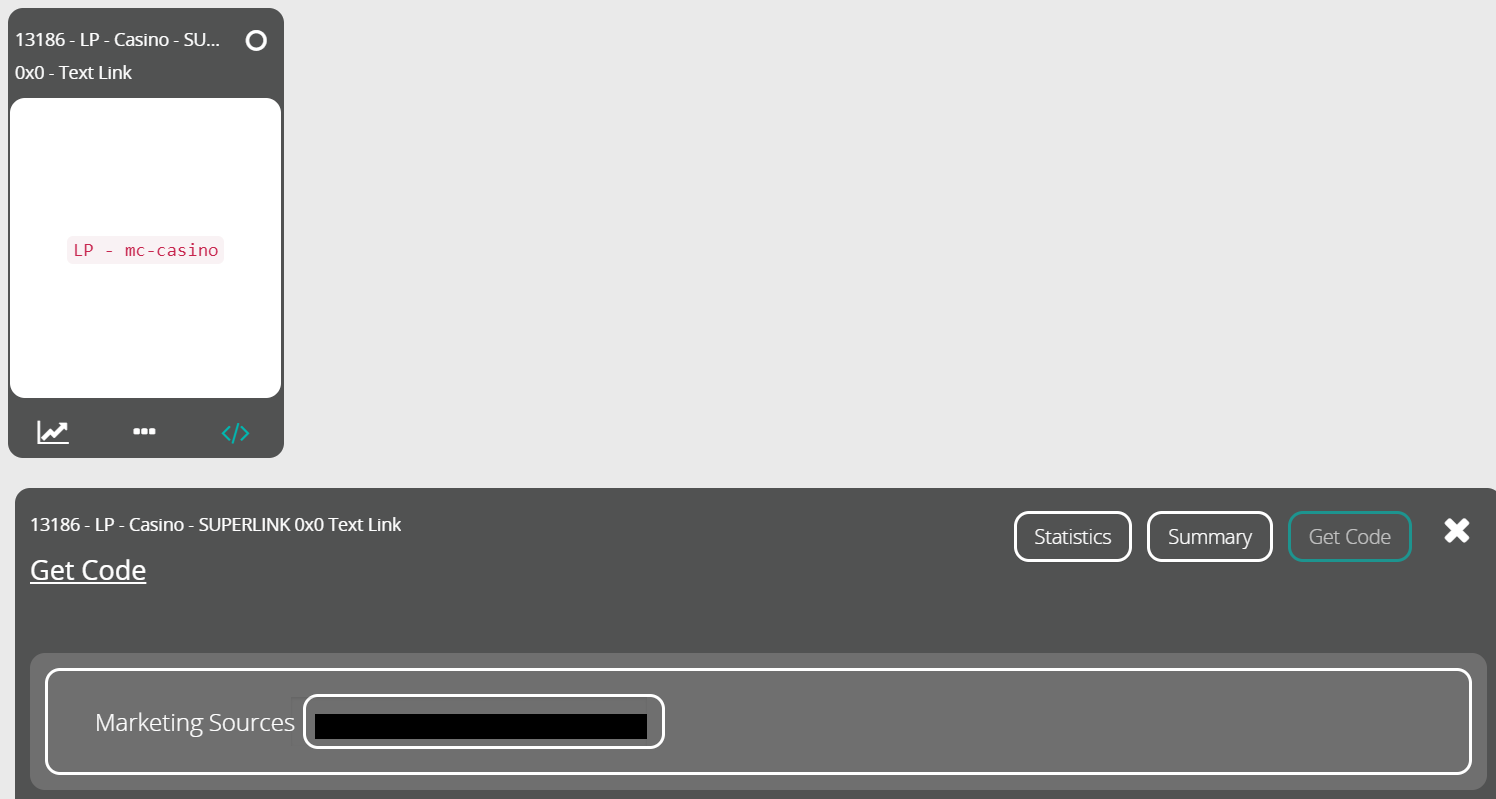
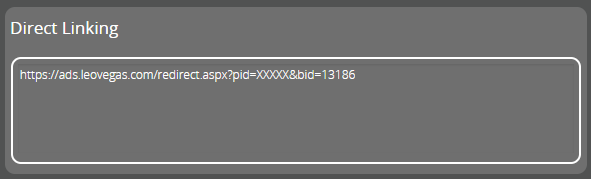
4. Choose your Marketing source and copy Redirect (for LPs):
For more information, please contact AdOps Team by Email, Live Chat or open a Request.
Comments